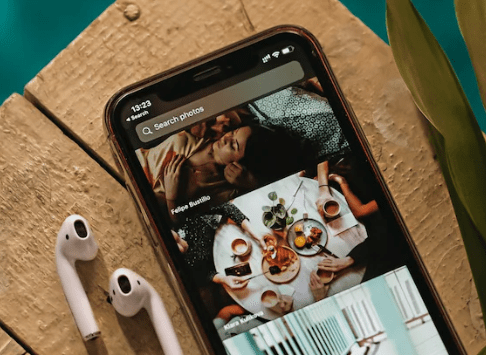
When I first started cruising I never got the WIFI as I used local cafes in port however, now that I run my travel page on social media sites I always get the WIFI. It has improved immensely over the years especially when ‘Starlink‘ arrived on the scene. However it might not work how you think it does.
The fact there is an option for WIFI when you are floating in the middle of the sea is already impressive, so don’t get frustrated when it doesn’t work the same as at home.
What is Starlink?
It is a satellite which flies around 340miles above the earths surface meaning it is the first network of low earth orbit satellites. A normal satellite is over 22,000miles so it is a massive difference. Starlink has made data travel, so much more sufficient meaning faster uploads and downloads.

WIFI Package:
Not all packages are the same, most cruise lines offer different tier systems which have limitations. Examples from P&0 are:
Essential single package = One device, Social media (no video or calls), Web browsing, Emails.
Ultimate single package = One device, Voice & videos calls, Music & video streaming, Social media (including video e.g. Snapchat, TikTok), Web browsing, Emails.
Essential multi-device package = Four devices, Social media (no video or calls), Web browsing, Emails.
Ultimate multi-device package = Four devices, Voice & videos calls, Music & video streaming, Social media (including video e.g. Snapchat, TikTok), Web browsing, Emails.
Most people always opt for the cheapest option however, if your cruise line sells Wi-Fi by megabyte, you might use it up quickly.
One-Device Package:
If you choose a one device package then you wont be able to more than one device even if you are logged in. So carrying multiple devices to keep logging in can be inconvenient and a hassle, especially on a hot day. Some cruise lines will charge you again if you want to use your laptop or tablet, so make sure you are getting the right package.

Sea days:
When you are on a sea day, you may find the Wi-Fi becomes slower than when on land, this is because more people are trying to use it. Also if travelling with family they may be experiencing the same in the cabin. Don’t worry nothing is “broken”, it just takes its time.
Video calls:
Sometimes the best packages can be slow when trying to Facetime, watch Netflix, YouTube or use Zoom. There may be some lag, buffering or frozen moments. I always resort to voice calls and waiting till in port to facetime.
This can come as a surprise to those who work remotely or plan to keep in contact with family daily. There is never a guarantee that you will be able to work normally on a cruise ship.
Ship Apps:
When on board cruise lines apps genuinely need Wi-Fi as you can check the activities, bookings, on board accounts which out a cruise Wi-Fi package. This can come as a shock for those who only find out towards the end of the holiday.

Do you NEED it?
Before you pay for the Wi-Fi it is always good to ask yourself if you truly need it. Being on a cruise without any internet can be therapeutic for some as they connect with the world when ashore.
You might be able to purchase Wi-Fi onboard (at a little extra cost), or purchase one day use. Don’t buy it just incase. Always check your pome contract too as you may be able to use your phone when in port.
Wi-Fi packages can be expensive so it is a lot of money wasted if you end up not using it, after all the money could go on a new purchase or drinks at the bar.
Don’t forget to Subscribe to be notified first for every blog I post, all you need to fill in is your email address its that simple!
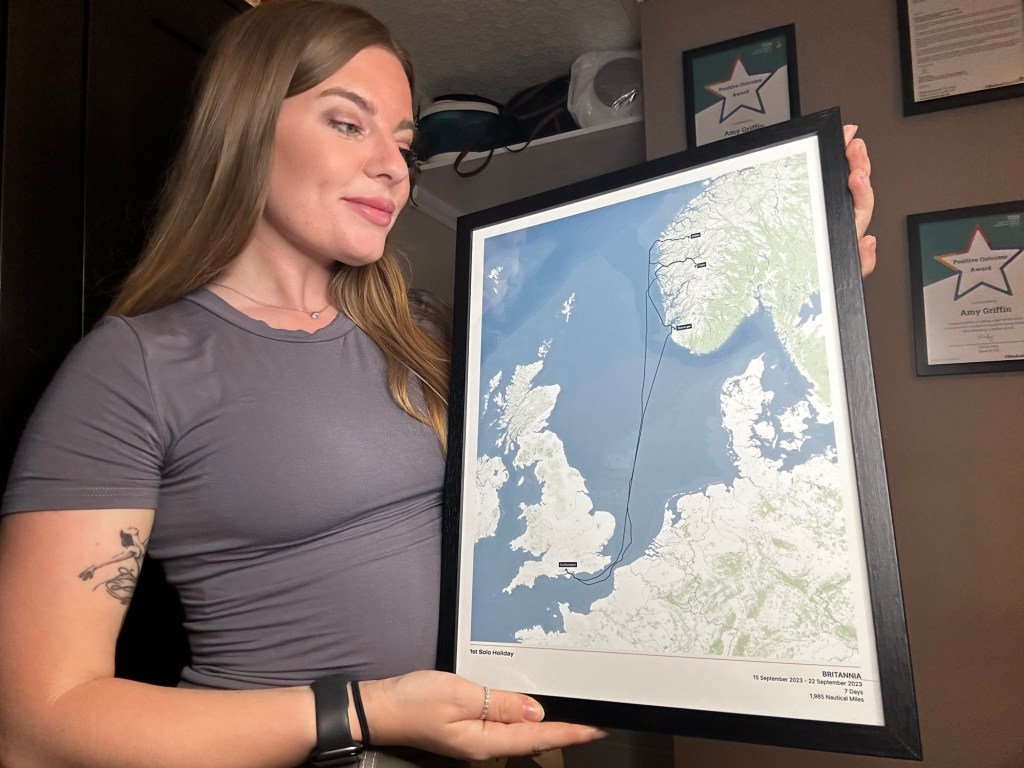
If you have any cruises booked or you have cruise previously, then order your very own personalized cruise map. Head over to The Cruise Maps: Satellite Precision Customised Cruise Maps and use the code Jayestravellingadventures for 10% off!! Id love to see your maps by tagging us or sending them via our Instagram account!

 Jayestravellingadventures
Leave a comment